
Developer platform overview
Choose Yodu's public REST API or Platform MCP to operate one workspace through scoped, revocable credentials.
Yodu exposes two public automation surfaces over the same workspace boundary:
| Surface | Best for | Canonical endpoint |
|---|---|---|
| REST API | services, scripts, webhooks, and explicit HTTP workflows | Interactive API reference |
| Platform MCP | Claude Code, Claude Desktop, Cursor, and other MCP clients | POST https://app.yodu.ai/api/mcp |
Both authenticate with a yodu_mcp_ bearer key created for one user in one workspace. The workspace comes from the verified key; callers cannot select a different organization in an argument.
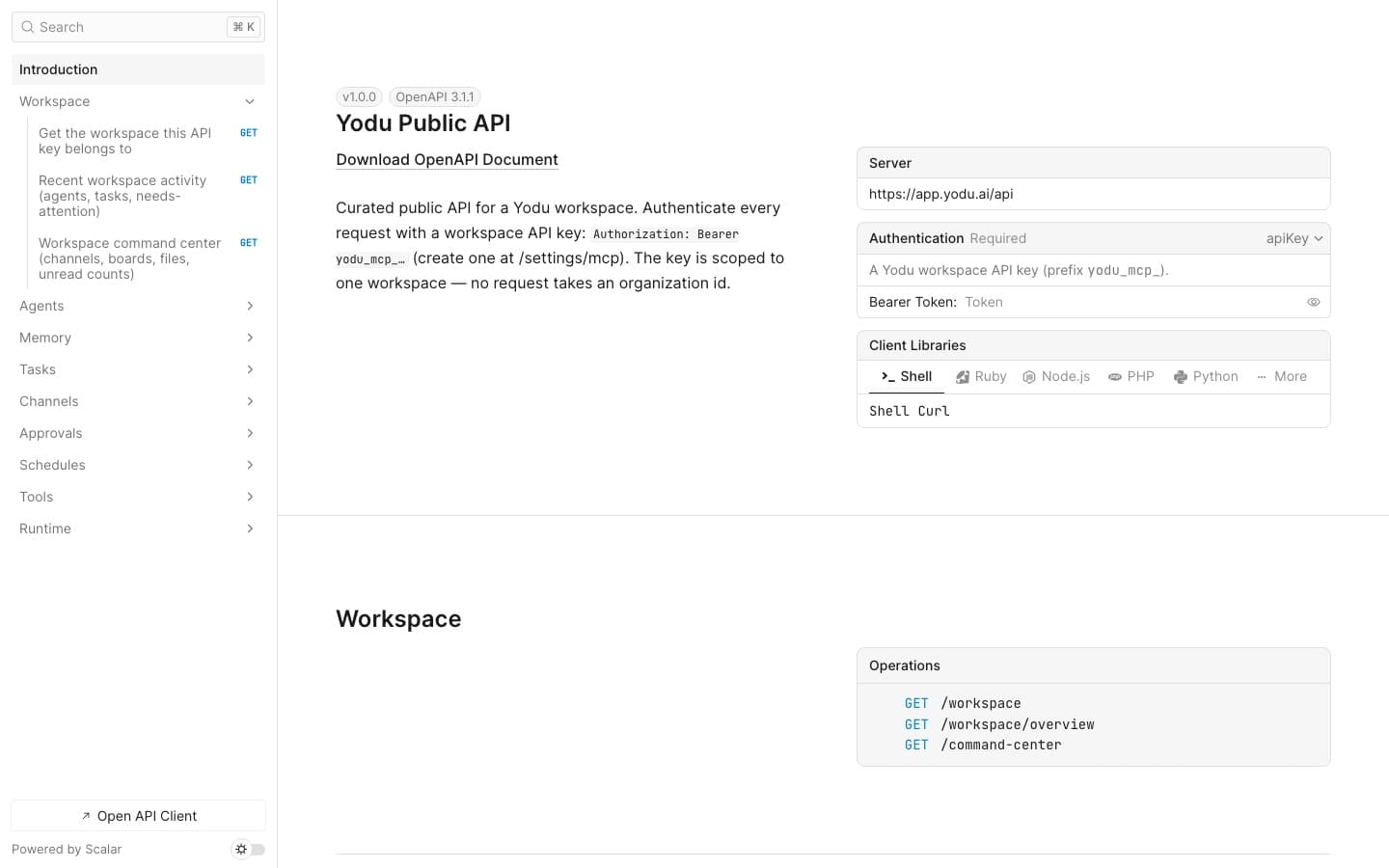
Choose REST when
- your integration already works with HTTP and JSON
- you need explicit methods, paths, request bodies, and status codes
- a backend service will list or update tasks, memory, messages, schedules, or tools
- you want to generate a client from the OpenAPI specification
Start with the REST API quickstart, then use REST API endpoints as the map to the live schema.
Choose Platform MCP when
- a person wants to operate Yodu from an AI coding or desktop client
- the client should discover named tools with typed inputs
- you want an assistant to inspect a workspace, create work, or configure employees conversationally
- you need write-only tools for installing credentials without making those values readable later
Start with the Platform MCP quickstart, then review the complete Platform MCP tools inventory.
What is intentionally separate
Yodu uses MCP in three different directions:
- Platform MCP lets an external client operate one Yodu workspace.
- Employee MCP usage lets a Yodu employee call an external tool server while doing assigned work.
- Custom MCP entries are workspace-managed server definitions that can be made available to employees.
A Platform MCP key does not turn every internal application procedure into a public tool. The public API and MCP server are curated allowlists.
Security boundary
The public developer surfaces exclude billing, platform administration, member management, workspace deletion, raw runtime bootstrap and container lifecycle controls, and reading stored credentials. Platform MCP exposes only manager-authorized, safety-backed-up workspace repair. Review Scopes and security before sharing a key with any client.