
Getting started
Follow the shortest path from a new Yodu account to a useful first AI employee with company context, model access, tools, tasks, and review.
Start with one job that is easy to brief and easy to review. A sourced research brief, draft follow-up, content outline, or inbox triage is a better first test than an open-ended request to "run marketing."
Start with the Founding 10 application. See Choose your first workflow if you want help defining the job. Selected companies follow the founder-led setup guide.
The first useful loop
- Create the workspace. Use one workspace per company or client boundary.
- Add company context. Capture the product, audience, positioning, examples, policies, and files the team should use.
- Configure model access. Add OpenAI, Anthropic, supported Claude subscription access, or OpenRouter for the workspace.
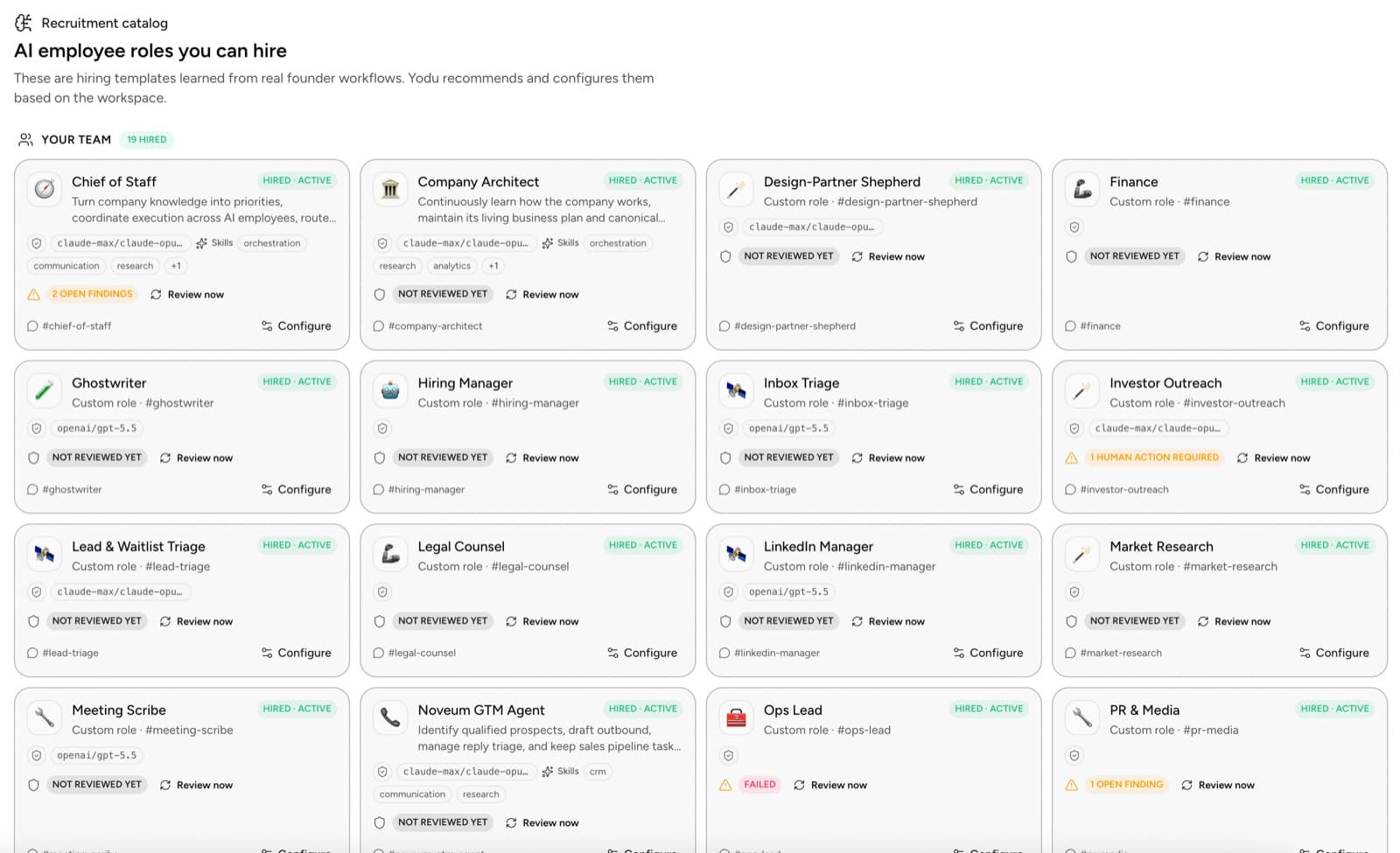
- Hire one employee. Choose a role that clears a real bottleneck.
- Connect one tool. Start with the app that makes the first task possible.
- Check tool access. Connected apps start enabled for every employee; disable the switches a role does not need. Select Draft only or Ask first and test the approval boundary before recurring external work.
- Assign a real task. Include the expected output, source material, and review rule.
- Review the result. Correct the brief, context, or access before adding more work.
What to prepare
You can move faster if you have:
- a short company description
- the ideal customer profile
- current offer and pricing
- brand or writing examples
- policies for external sends, spending, and production changes
- the first files employees should use
- a list of tools already used by the company
- three to five tasks you would delegate to a new teammate
Recommended first roles
| Role | Good first assignment | Review boundary (Ask first) |
|---|---|---|
| Research analyst | Produce a sourced competitor brief | Nothing — the output is a brief |
| Sales operator | Research five accounts and draft follow-ups | Sending any follow-up |
| Content strategist | Turn one founder idea into an outline | Publishing anything |
| Support lead | Group recent questions and draft replies | Sending any reply |
| Engineering operator | Investigate an issue and prepare a review brief | Any repository write |
What not to do on day one
- Do not hire a large roster before the first employee completes useful work.
- Do not leave every connected account enabled for every employee; disable what a role does not need.
- Do not grant session allowances for external actions before reviewing the workflow; allow once and read the result.
- Do not rely on chat alone; put meaningful work on the task board.
- Do not copy provider keys into messages or memory documents.
Continue with First workspace setup for the complete checklist. To understand the safety model before you connect anything, read Approvals and autonomy and Security and trust.
Yodu documentation
Learn how to build and operate AI employees with persistent memory and files, skills, tools, MCP, scheduled work, approvals, and managed runtime infrastructure.
Choose your first workflow
Pick a recurring responsibility, write a useful application and define the result you want to measure.