
Skills and ClawHub
Add reusable operating playbooks to a Yodu workspace, import skills from ClawHub safely, approve them, and assign them to the right AI employees.
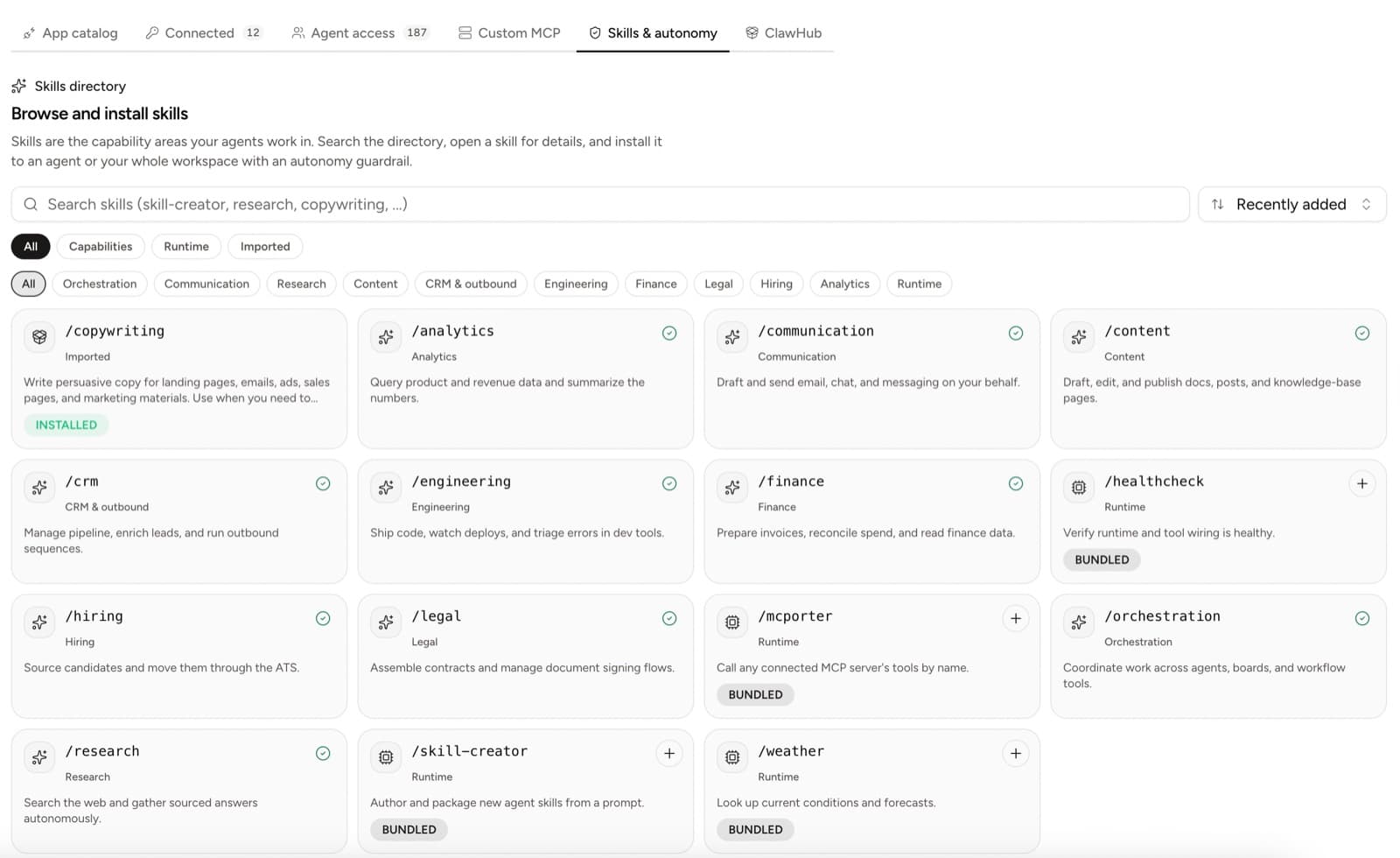
Skills teach an AI employee how to perform a repeatable kind of work. A skill can describe a research method, a content workflow, a code-review process, a finance procedure, or another operating playbook.
A skill is not an account connection. Installing a skill does not grant Gmail, GitHub, CRM, payment, or production access. Per-employee tool switches and the approval gate remain separate.
Use the built-in directory
Open Tool access → Skills to browse capabilities already available in Yodu. Filter by category, open a skill to review what it does, then install it for one employee or the whole workspace.
Use workspace-wide assignment only when every employee legitimately needs the same general capability. Prefer employee-level assignment for specialist procedures.
Import from ClawHub
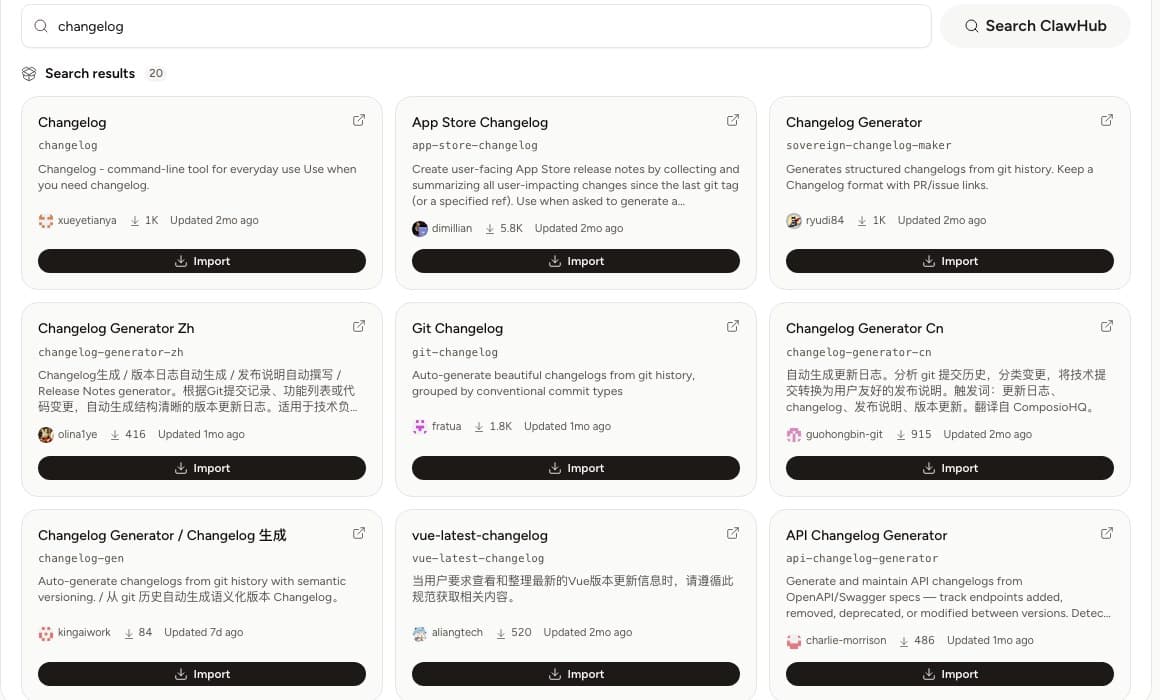
Open Tool access → ClawHub to search the live ClawHub registry. Search results include the skill owner, download activity, version information, and a link to the ClawHub page and source repository when available.
Import is deliberately separate from activation:
- Search for a specific capability.
- Open the ClawHub and source links.
- Inspect the owner, description, version, and popularity signal.
- Import the selected version into the workspace.
- Review the imported
SKILL.mdand validation result. - Have a workspace manager approve it.
- Assign the approved skill from the employee configuration.
An imported skill stays pending review until a manager approves it. Importing does not silently make third-party instructions available to every employee.
What Yodu validates
Yodu fetches skill content from the fixed ClawHub host through a bounded server-side request. The importer applies path, size, content, and suspicious-secret checks before storing the skill for review.
Validation reduces obvious risk; it does not prove that third-party instructions are correct or appropriate for your business. A human still needs to review the skill's behavior and source.
Review checklist
Before approval, check:
- the owner and source repository are expected
- the skill solves a real job the employee owns
- instructions do not request secrets, hidden credentials, or unrestricted access
- shell commands and network destinations are understandable
- external, destructive, financial, and production actions still use explicit tool policies
- the skill does not conflict with company or role policy
- the version is recorded so later changes can be reviewed deliberately
Skills, tools, and models
| Layer | Purpose | Example |
|---|---|---|
| Skill | Teaches a method or procedure | A structured pull-request review checklist |
| Tool | Provides an action or data connection | GitHub issue and pull-request operations |
| Model | Performs the reasoning and generation | A configured OpenAI or Anthropic model |
A strong employee configuration often combines all three: the model reasons, the skill explains the procedure, and the tool performs the bounded action.
Continue with Tools and MCP overview to configure access, or Employee configuration files to review the operating policy around a role.