
How the platform runs
An architecture tour of Yodu — the control plane, the managed runtime host, the command queue, per-workspace OpenClaw containers, the sidecar worker, provisioning, and model routing.
Yodu has two halves. The control plane is the app you use: workspaces, employees, tasks, approvals, schedules, memory, and settings. The runtime host is where AI employees actually work: one OpenClaw container per workspace on Yodu's managed infrastructure. The two halves talk only through a command queue.
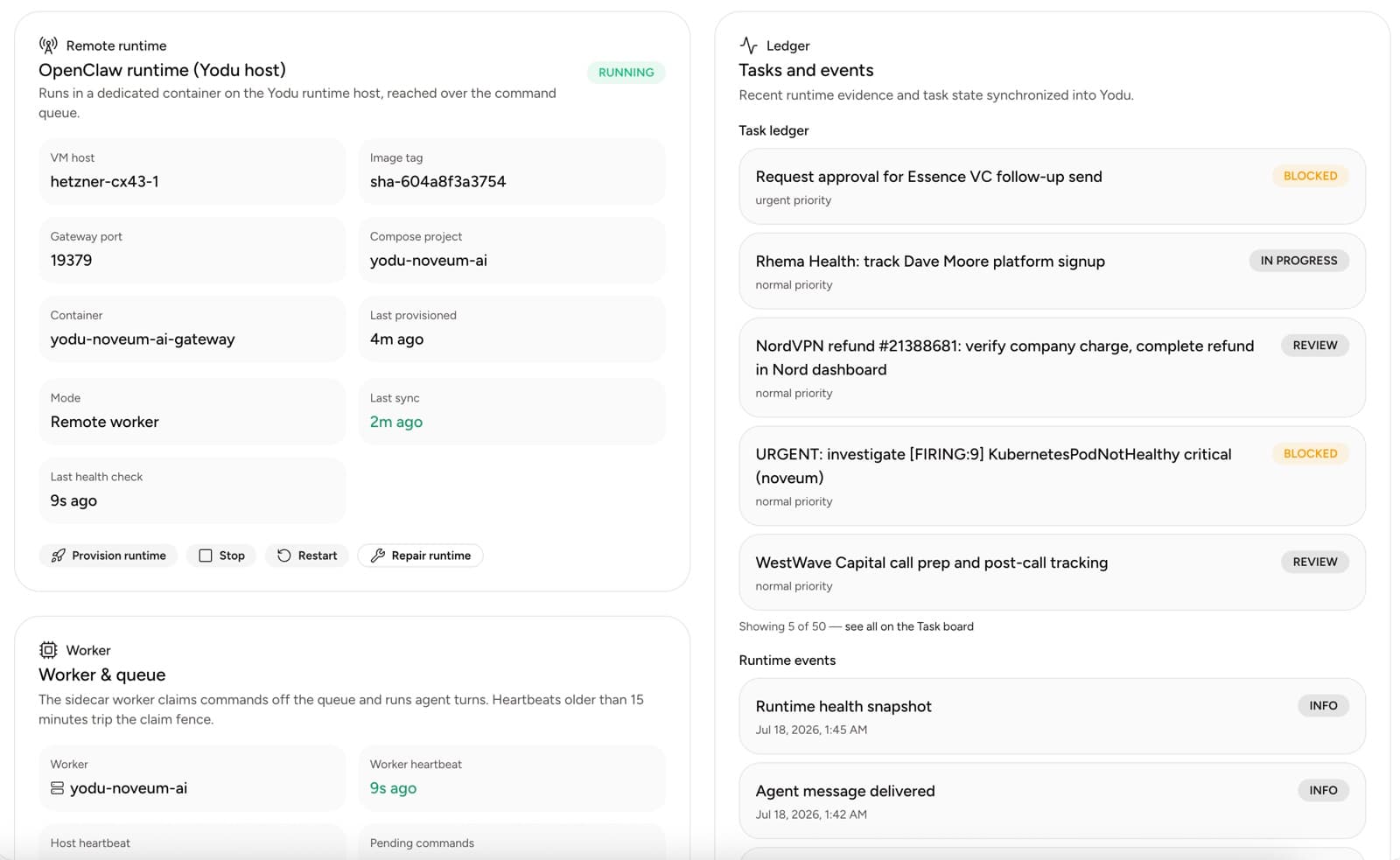
Control plane vs runtime host
| Layer | Holds | Talks to |
|---|---|---|
| Control plane | Workspace records, tasks, approvals, memory documents, encrypted secrets | Your browser, API clients, the queue |
| Command queue | Bounded commands waiting to be claimed | Both sides |
| Runtime host | One OpenClaw container per workspace, plus a sidecar worker | The queue, model providers, your connected apps |
The control plane never dials into a container. Runtime ports stay private to the host; there is no public endpoint on a workspace container to attack or misconfigure.
The command queue
When you send a message, assign a task, or trigger a schedule, the control plane enqueues a bounded command. The sidecar worker on the runtime host makes outbound requests to Yodu, claims commands off the queue, runs them against the workspace container, and reports results back.
Because the worker pulls instead of the app pushing, a healthy queue plus a fresh heartbeat is the signal that work can flow. The Runtime page shows pending command count, recent claims, and heartbeat age separately — a healthy container with a stale worker heartbeat still means nothing is being executed.
The workspace container
Each workspace gets its own Docker container running OpenClaw. Inside it live the employees' working directories, their operating documents, synced files, and the private mcporter registry that lists each employee's enabled custom MCP servers. Disabling a tool for an employee removes it from that registry at the next provision — the container itself enforces what the employee can reach.
One workspace's container never shares state with another. That is the same boundary you chose when you created separate workspaces for separate companies or clients.
The sidecar worker and heartbeats
The worker is the only bridge between queue and container. It:
- claims one bounded command at a time
- runs it on the workspace runtime
- streams results, runtime events, and task-ledger evidence back
- reports host and worker heartbeats
Heartbeat age is the first thing to check when work stalls. See Managed runtime and backups for the full health-signal breakdown and the operational checklist.
Provisioning an employee
When you hire or reconfigure an employee, the runtime receives the employee identity and its active operating documents — role, memory, tool, runtime, and schedule guidance — plus the current tool switches. A configuration change triggers a new preparation step so future work uses the current policy; allow about a minute for the runtime to reload.
Do not treat an employee as ready because its database status says active. Confirm workspace runtime health and employee delivery are current on the Runtime page.
Model routing
Model access is configured once per workspace: OpenAI, Anthropic, OpenRouter, or a supported Claude subscription token. Routing is one primary plus ordered fallbacks — automatic (subscription first, then OpenAI, Anthropic, OpenRouter) or a custom drag-ordered list with one model per provider. OpenClaw tries each fallback when the earlier provider cannot complete the turn.
Provider secrets are encrypted and never displayed again; rotate by entering a new value. See Model access.
Where files and memory live
| Content | Lives in |
|---|---|
| Company profile and shared knowledge | Control-plane memory documents |
| Uploads and generated artifacts | Workspace Files, synced to the runtime |
| Employee working state | The workspace container |
| Backup archives | Scheduled runtime backups with visible freshness, size, and manifest |
These layers serve different purposes; a runtime archive does not replace memory documents or source control. See Memory and files for the storage model and Security and trust for the boundaries around all of it.
Reviews, grants, and capability requests
How a workspace decides who may act on whose work, how finished work gets an independent review, and what an AI employee does when it lacks a tool.
Managed runtime and backups
Understand how Yodu provisions AI employee workspaces, reports runtime health, executes scheduled work, and records workspace backup evidence.